Filtering
- What data are you interested in?
- Customize your filter
- In order for filters to be used, columns need to be selected.
- Tips: Only use the columns you are interested in.
To create a clearer picture and dig deeper into specific areas, we recommend having only the columns that are of interest for the particular saved filter. We don’t need to use 10 columns if we’re only looking for information and data from 5 columns.
e.g., Do you want to search for PDFs in OneDrive? Select these 2 filters before creating and saving your filter.
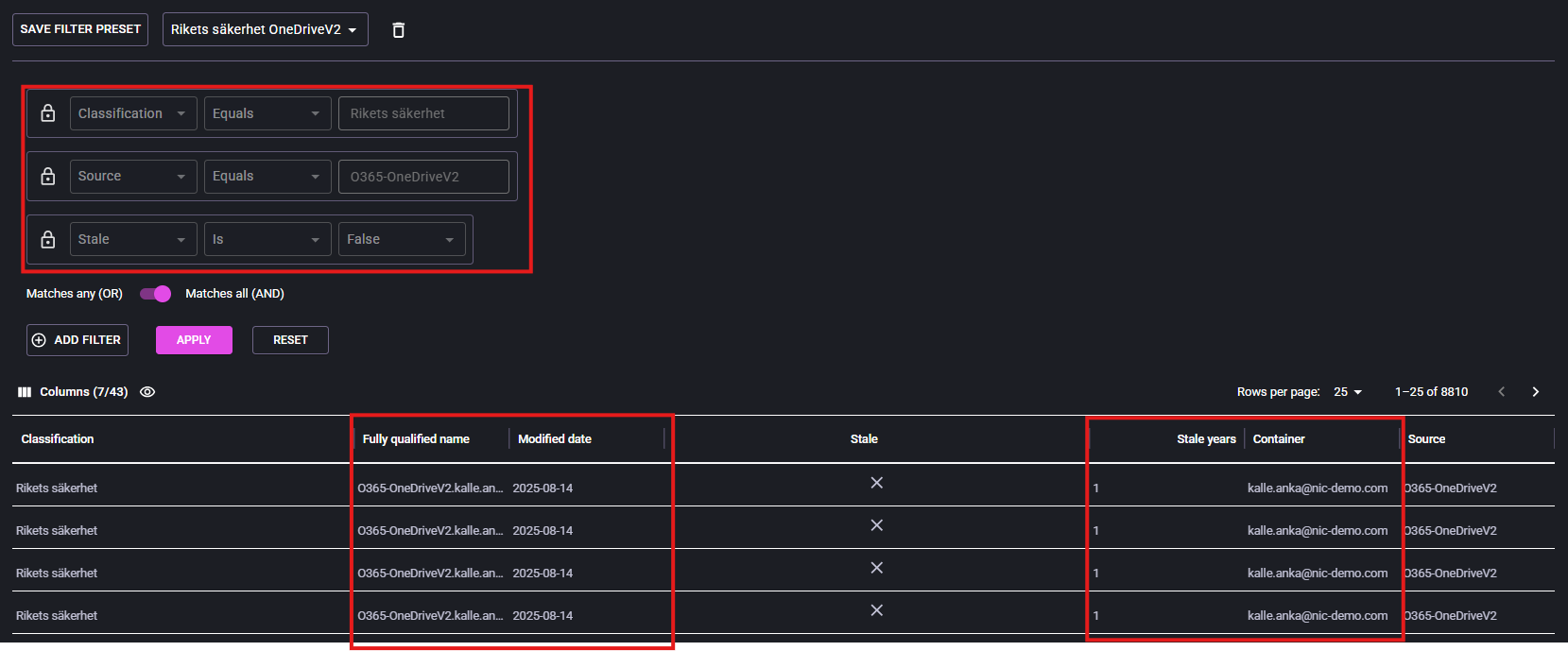
Every time a user logs into the portal, there are always predefined columns that perform filtering.
If you want to use your created filters, we recommend pressing “Deselect all” on the columns and then selecting the columns that the filter has. As you can see, 7/43 filters are used. If you do not deselect all and select your predefined filter, you will see other data as in the picture below.
In the picture below we see: Fully qualified name, modified date, stale years and container.
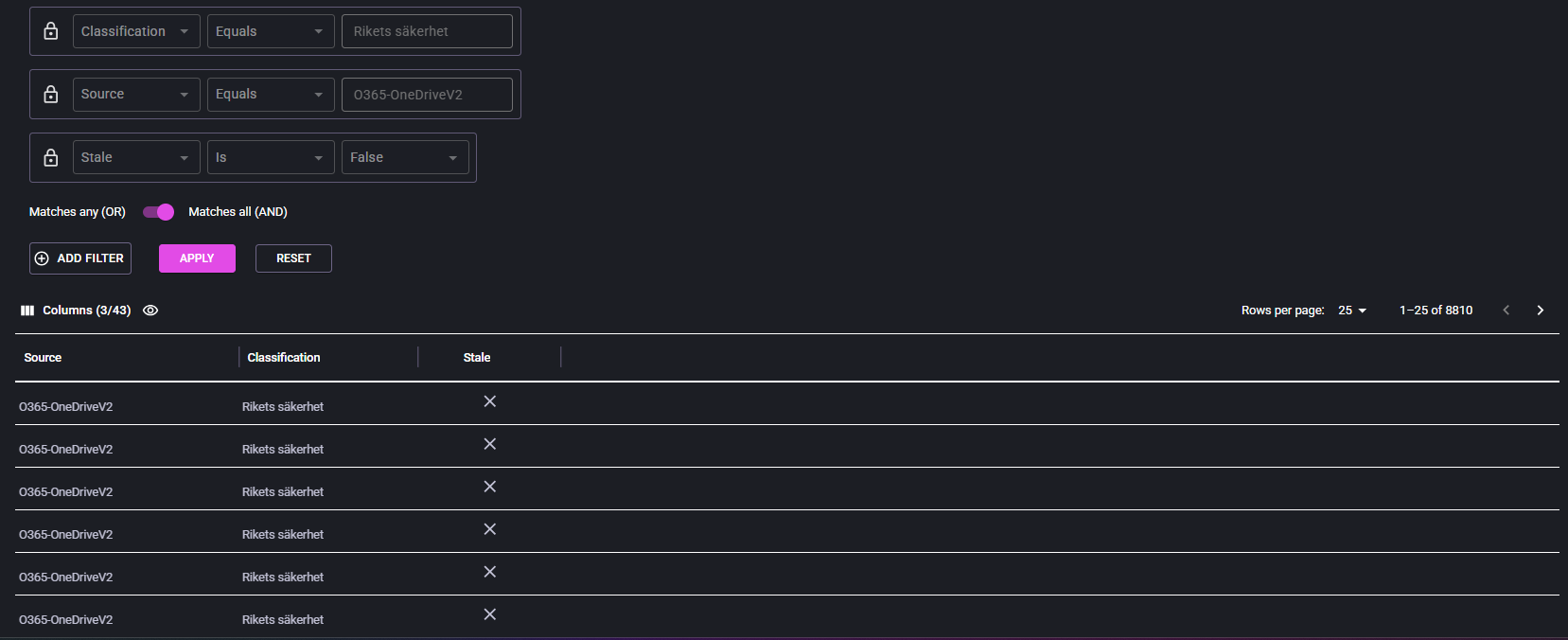
- If you choose not to sort on the columns that the filter says, more information and data will be displayed. See picture below
- Change the columns to match the filters selected to visualize only the exact data you want to see. See picture below.
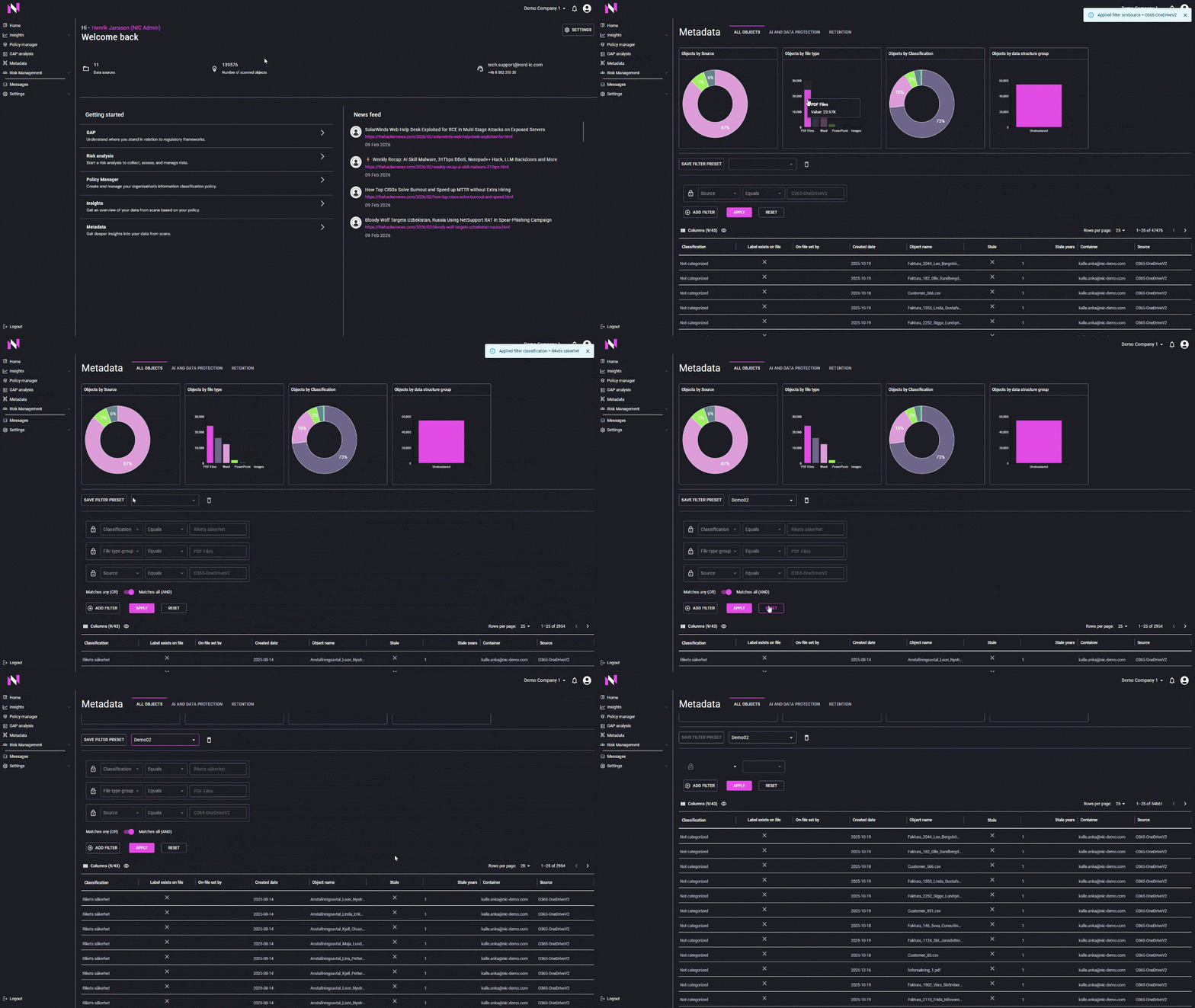
Let’s start from the beginning. We’ll use NIC’s default columns.
The video demonstrates a selection of Datasource,File type group (PDF in this case) and Object by classification. Don’t forget to add the filters one-by-one.
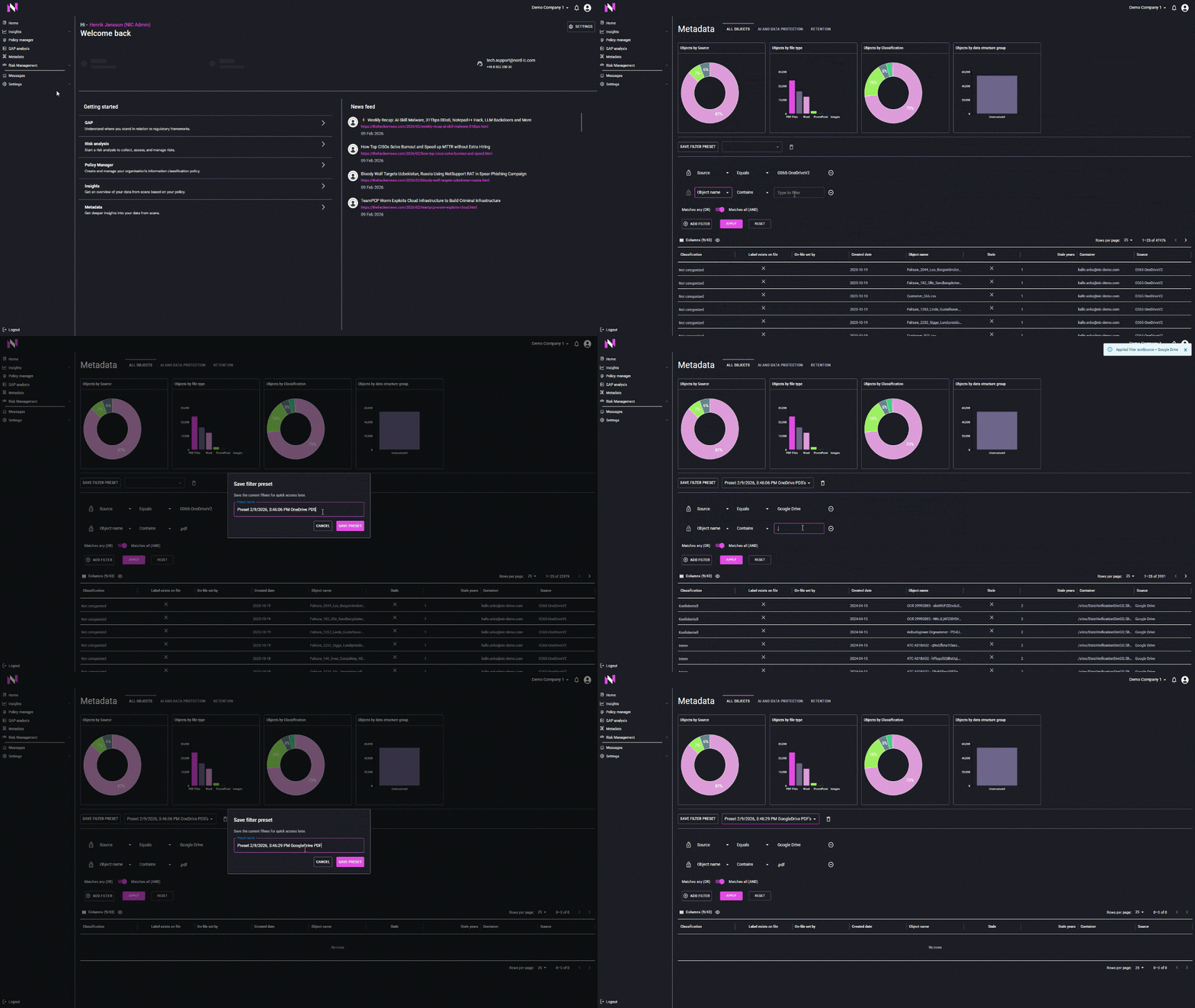
Then “Save filter preset” and enter a name for your filter. You can now push reset filter and go to “home” and then back to “Metadata Catalog” and choose your saved filter.
- If no data is displayed, there are no objects with the selected filter combination.